Skip to content

Explainer videos for higher education

Turn complex campus processes into videos students can use.

InstructAI creates clear, accessible, institutionally branded explainer videos for colleges and universities. Our videos help students understand what to do next while reducing repetitive communication burdens on staff.

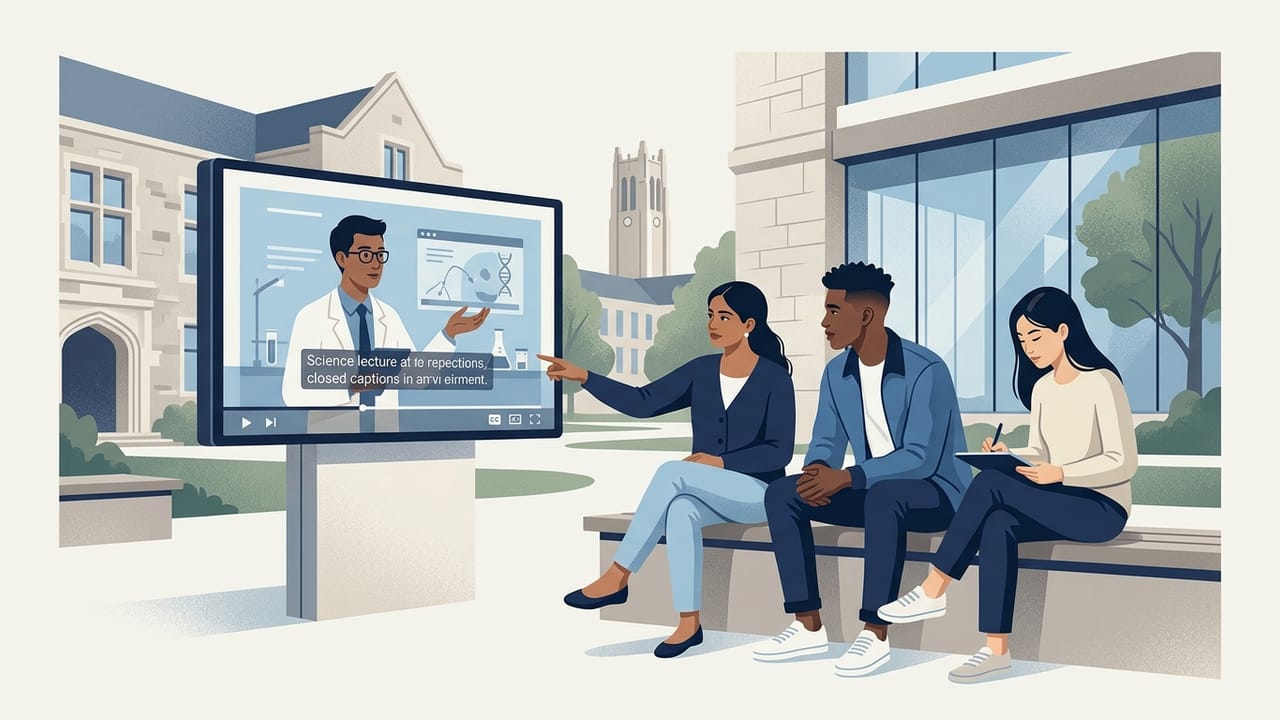
University students reviewing an accessible captioned explainer video on a shared screen.CC

UMBC Student Disability Services

How to request exam accommodations

View transcript

Explainer videos currently supporting student communication at UMBC Student Disability Services and UMBC Retriever Integrated Health.

UMBC — Student Disability Services explainer video thumbnailCaptioned

UMBC

Student Disability Services

UMBC Student Disability Services uses an InstructAI explainer video on its public landing page to introduce students to disability services and provide a clearer starting point for navigating support and accommodations.

Communication challenge
Students need a clearer starting point for navigating disability services and accommodations.
Video purpose
Introduce students to disability services and provide a clearer starting point for navigating support and accommodations.
Deployment location
Public landing page
Intended audience
Students seeking disability services and accommodations
Watch the explainer video for UMBC Student Disability Services
Publication permitted
UMBC — Retriever Integrated Health explainer video thumbnailCaptioned

UMBC

Retriever Integrated Health

UMBC Retriever Integrated Health uses an InstructAI explainer video to help students navigate the Aetna student health insurance plan.

Communication challenge
Students need help navigating the Aetna student health insurance plan.
Video purpose
Help students navigate the Aetna student health insurance plan.
Deployment location
Student health resources
Intended audience
Students enrolled in the Aetna student health insurance plan
Watch the explainer video for UMBC Retriever Integrated Health
Publication permitted

Problems we solve

The same questions, every term

Campus offices spend extraordinary staff time answering questions that a single clear video can resolve — permanently and consistently.

Complex processes

Financial aid appeals, accommodation requests, insurance enrollment — multi-step workflows that students struggle to navigate from text alone.

Repetitive inquiries

Staff answer the same questions hundreds of times each term. A single clear video can absorb that load and free advisors for higher-value work.

Inconsistent communication

Different offices explain the same policy differently. One approved video gives every student the same, accurate answer every time.

One approved video, many channels

A single institutionally approved video can be reused across every student touchpoint — no rework, no inconsistency.

  • Websites
  • Email
  • Orientation
  • Learning platforms
  • Portals
  • Presentations

Campus applications

Where explainer videos work hardest

From accessibility services to financial aid, every campus office has processes that students struggle to follow in writing alone.

Accessibility and Disability Services

Walk students through accommodation requests, exam scheduling, and assistive technology setup with captioned, screen-reader-friendly video.

Health, Wellness, and Insurance

Explain insurance enrollment, appointment booking, and mental health resources so students know exactly what to do and where to go.

Financial Aid and Enrollment

Demystify FAFSA, verification, appeals, and registration holds with step-by-step videos that reduce office traffic and phone calls.

Academic Policies and Advising

Clarify add/drop, withdrawal, academic standing, and degree planning so students make informed decisions without confusion.

Orientation and Student Life

Welcome new students with consistent, on-demand orientation content they can revisit anytime — before, during, and after arrival.

Campus Systems and Portals

Show students how to navigate the LMS, SIS, and single sign-on with short, task-focused videos that cut help-desk tickets.

Production process

From process map to deployed video

A focused four-stage workflow that keeps your subject-matter experts in control of accuracy at every step.

  1. 01

    Define

    We meet with your subject-matter experts to map the process, identify the student questions, and agree on the learning outcome.

  2. 02

    Develop

    We draft a script and storyboard, refine the language for clarity and accessibility, and confirm accuracy with your team.

  3. 03

    Produce

    We record voiceover, design visuals, caption every word, and assemble a broadcast-quality video branded to your institution.

  4. 04

    Review and Deploy

    You review, we revise, and we deliver captioned files ready to embed on websites, in email, orientation, and learning platforms.

Start a conversation

Which campus process generates the most student confusion?

Tell us which process eats the most staff time. We will show you how a single captioned video can resolve it — across every channel your students already use.